EPM-style reporting from your own files, in an afternoon.
Upload your trial balance or ledger export. Keyfig builds your model, P&L, Balance Sheet and dashboard in minutes, then answers questions in plain English. No consultant. Any ledger.
Hosted in the UK. Works with exports from any ledger.
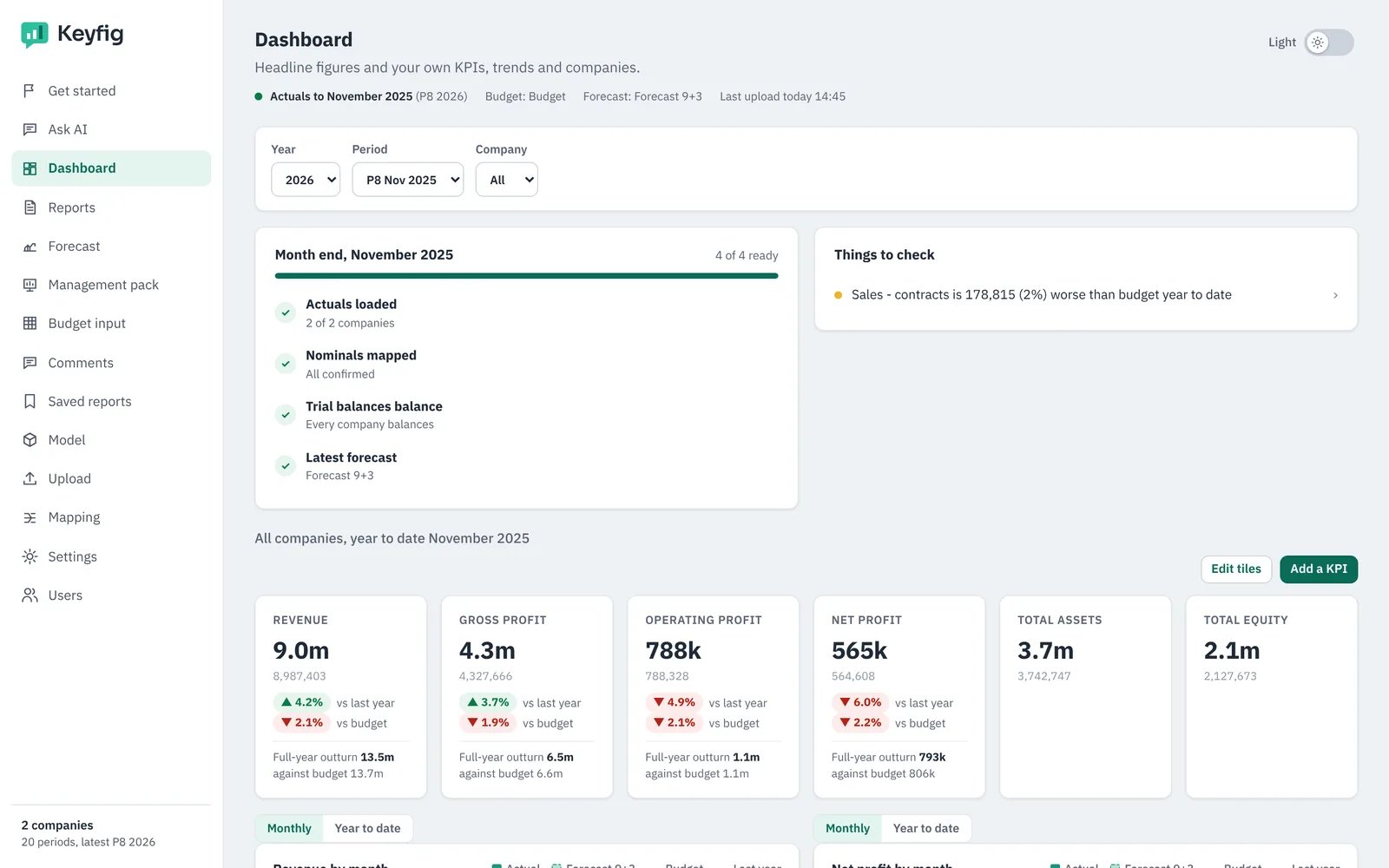
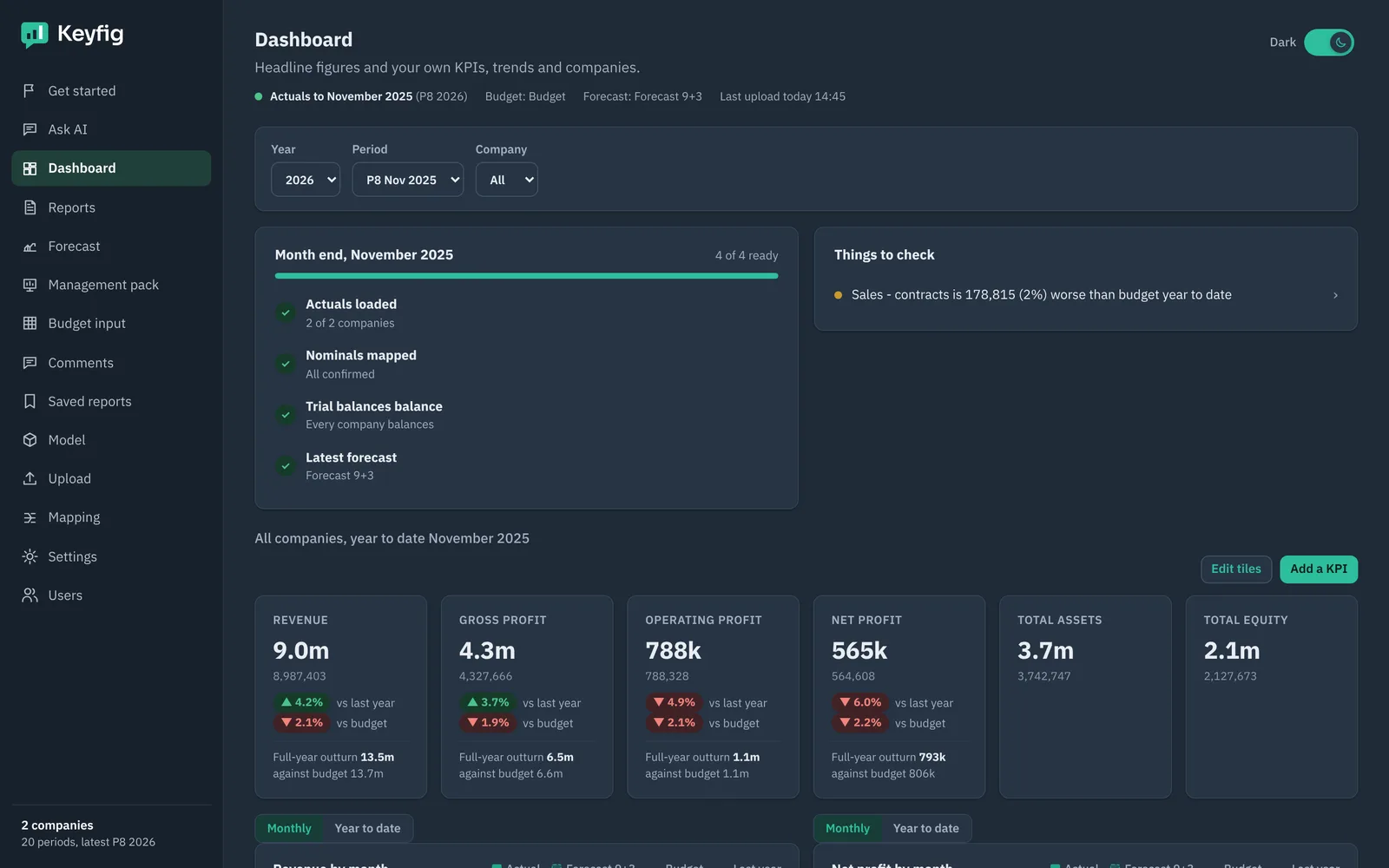
Spreadsheets are too fragile. EPM projects are too slow.
Month-end reporting in spreadsheets means copying, re-keying and hoping the formulas held. Traditional EPM and budgeting tools fix that, but they need months of model building and an implementation partner.
Keyfig gives you the structure of an EPM model, built from your own files, without the project.
Four steps from file to answer
Upload your files
Trial balance or GL export from any ledger, in CSV or Excel. Many companies and months in one file is fine.
Confirm the mapping
Keyfig maps every account to the P&L and Balance Sheet. You check the few it is unsure about.
Reports are ready
Statements, month-by-month grids and the dashboard, against budget, forecast and last year.
Ask Keyfig AI
Type what you need, like Actual 2026, company 101, YTD April
Built so finance can do it alone
No implementation partner
You set Keyfig up yourself from your own files. No consultant, no six-month project, no change requests.
Just ask, don't build
Describe the report you want. Keyfig AI builds it from your model and shows what it assumed.
Minutes to your first report
Upload a trial balance and your P&L, Balance Sheet and dashboard are ready before your coffee is.
Open to your other AI assistantsComing soon
Connect the AI tools your team already uses to the same trusted figures.
Everything month-end needs, in one place
From your files to your first report
Upload last year's ledger export and Keyfig proposes the model: companies, nominals, cost centres, projects and versions. A checklist walks you through the rest.
Read more →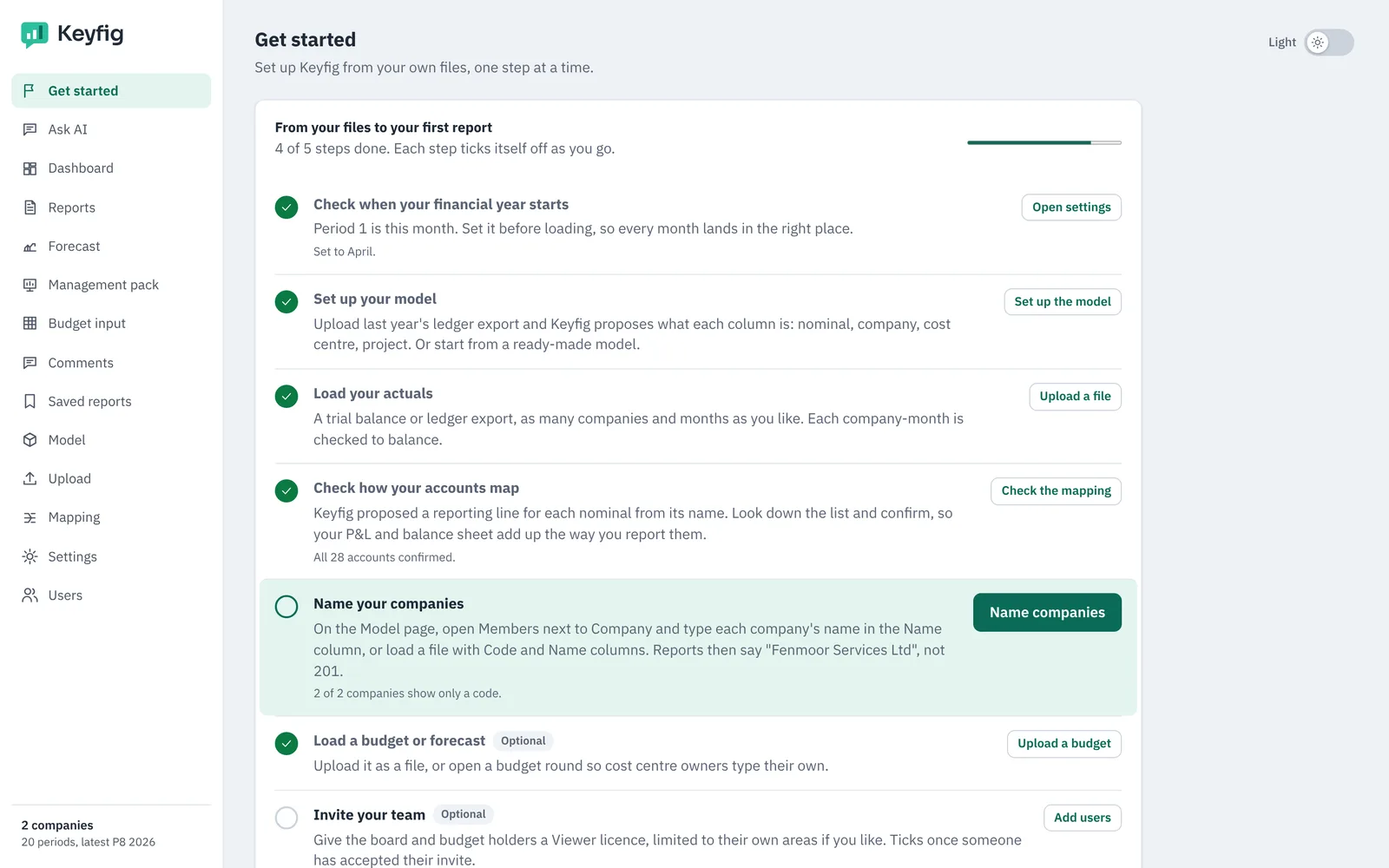
Just ask, don't build
Type the report you want in your own words. Keyfig AI picks the figures from your model, says what it assumed, and gives you one-click alternatives.
Read more →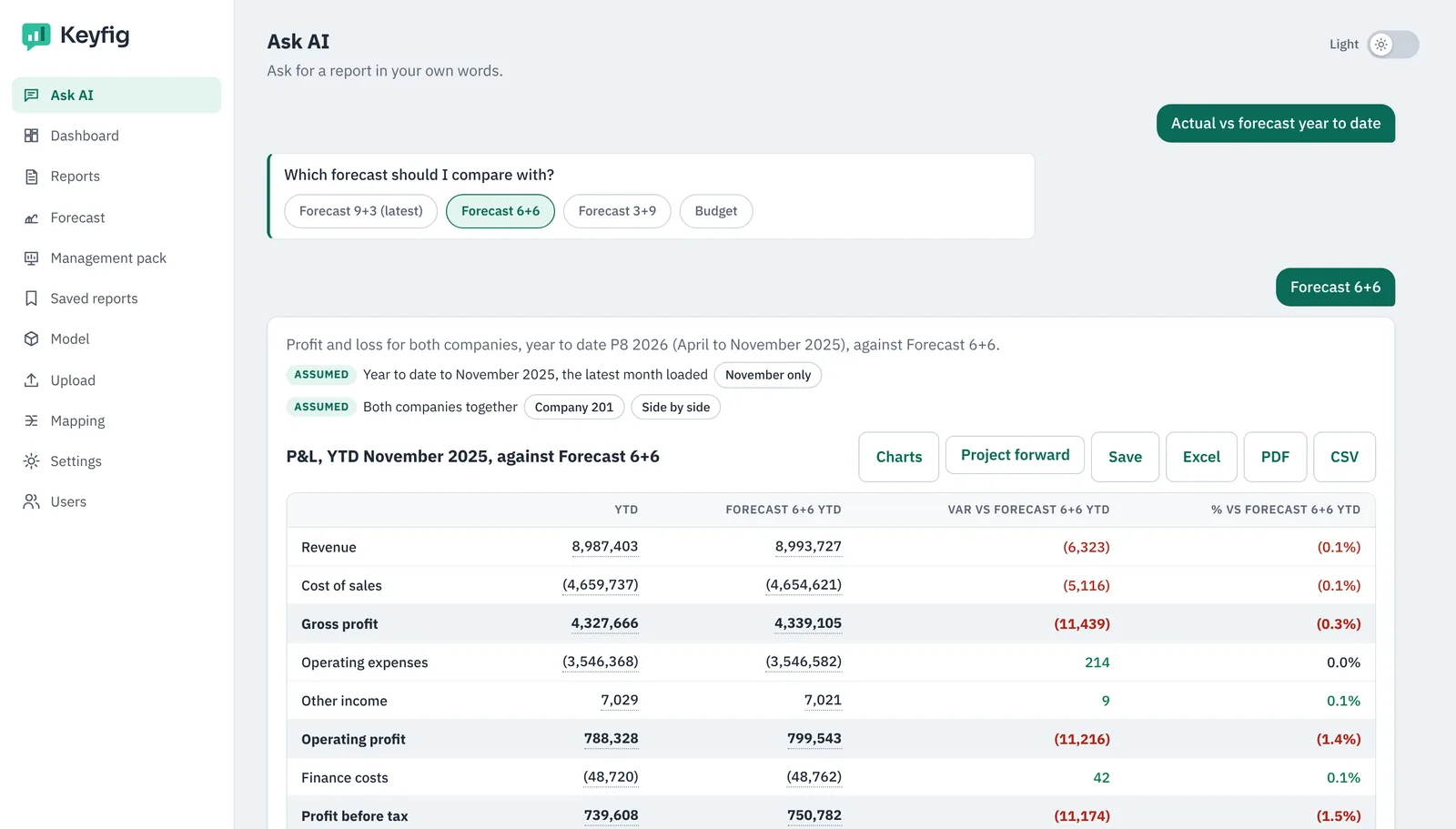
Statements and month-by-month grids, ready on upload
Trial balance, P&L, Balance Sheet and cash flow are built as soon as your data lands. Detailed grids let you pivot by any dimension and drill to the source line.
Read more →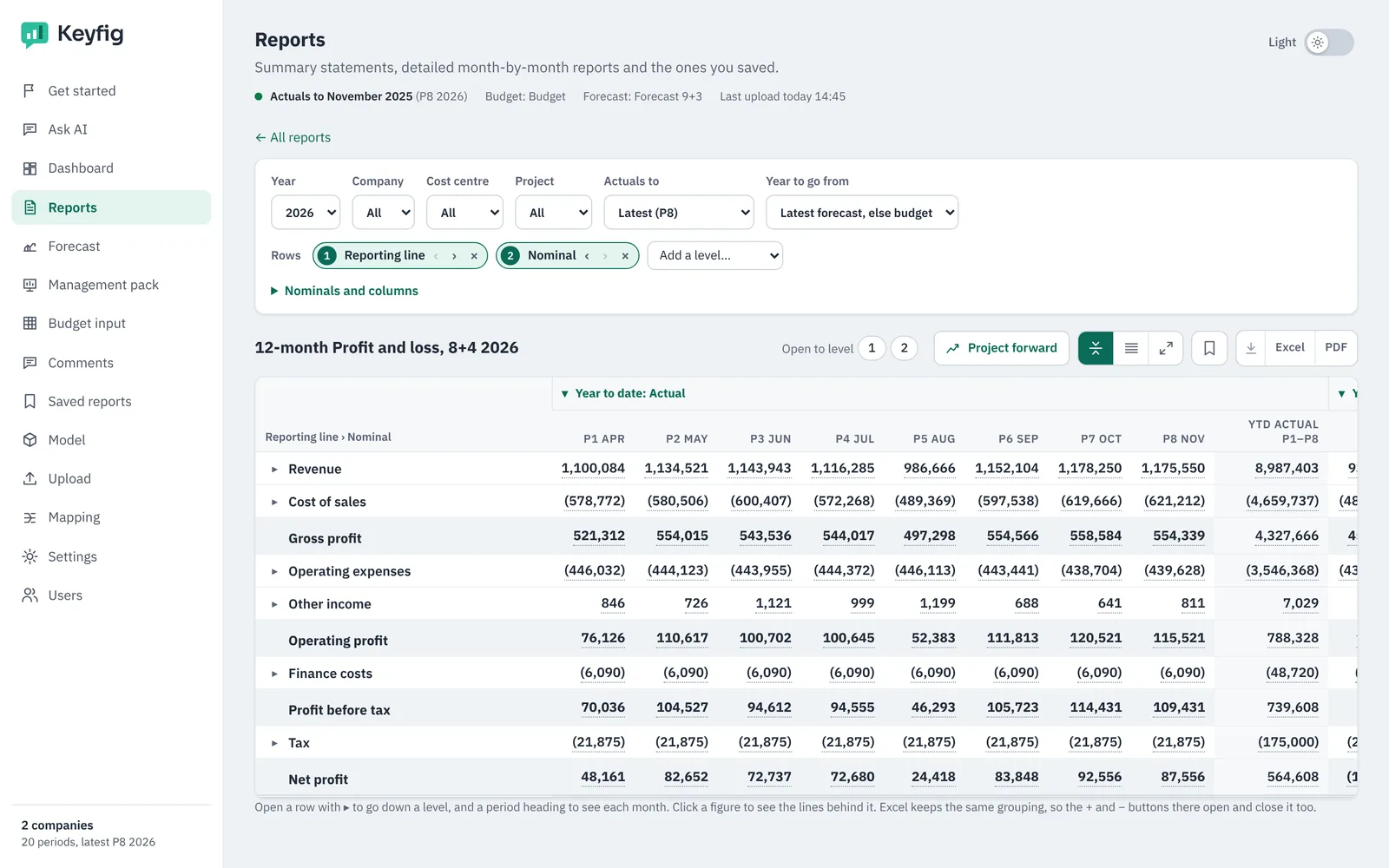
Month-end at a glance
Headline figures with change on last year and budget, the month-end checklist, and the things worth a closer look. Add your own KPIs by describing them.
Read more → Forecasts from a few assumptions
Fill the rest of the year and project up to five years ahead with simple rules, then save it as a forecast version that every report can use.
Read more →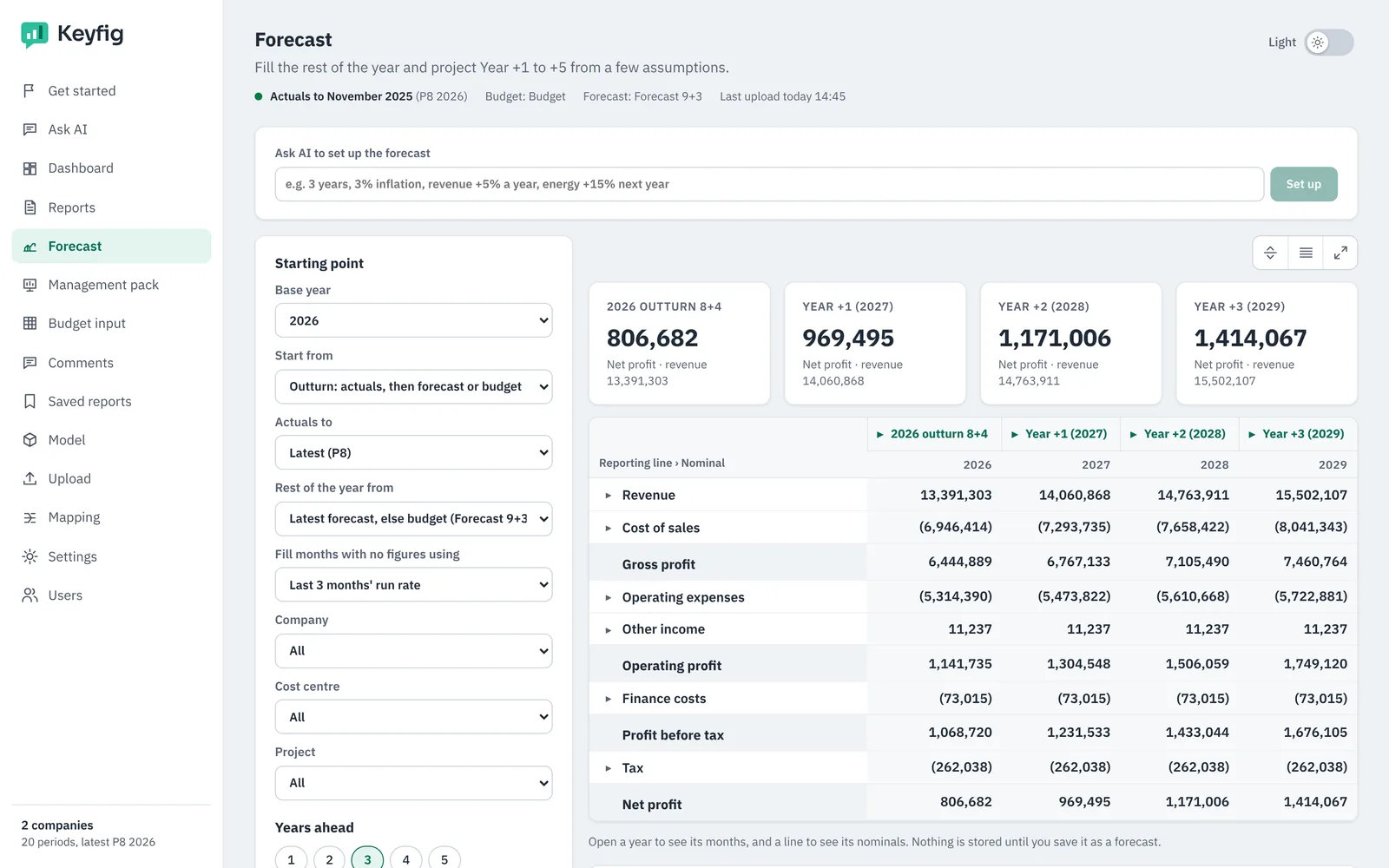
Budget rounds without the spreadsheet chase
Budget holders type or upload the budget for their own cost centres. You open the round, review, approve or send back with a note.
Read more →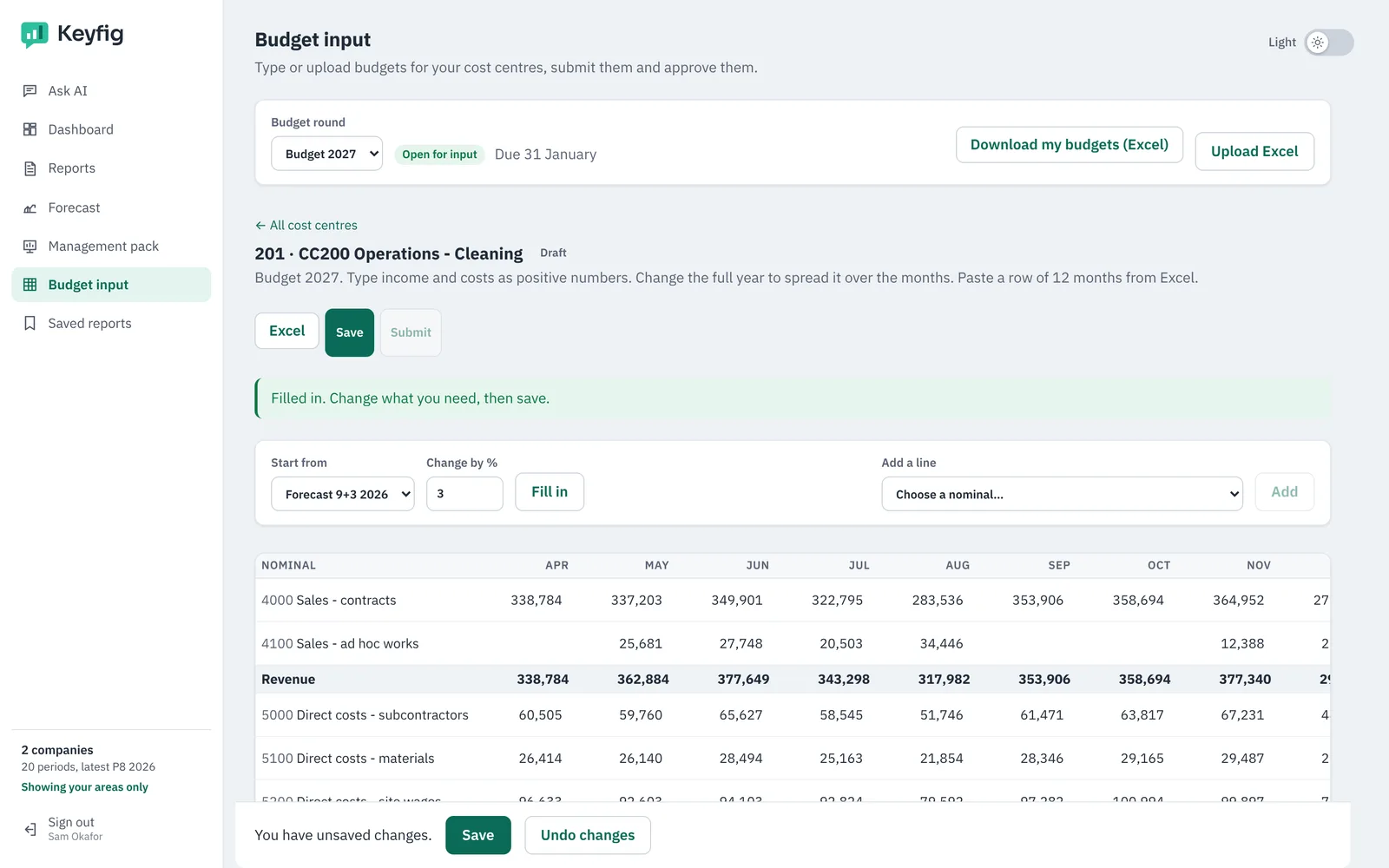
A board pack with commentary, in minutes
Pick a template and Keyfig builds the pages from your data. Keyfig AI drafts the commentary for you to edit, then present, share or export.
Read more →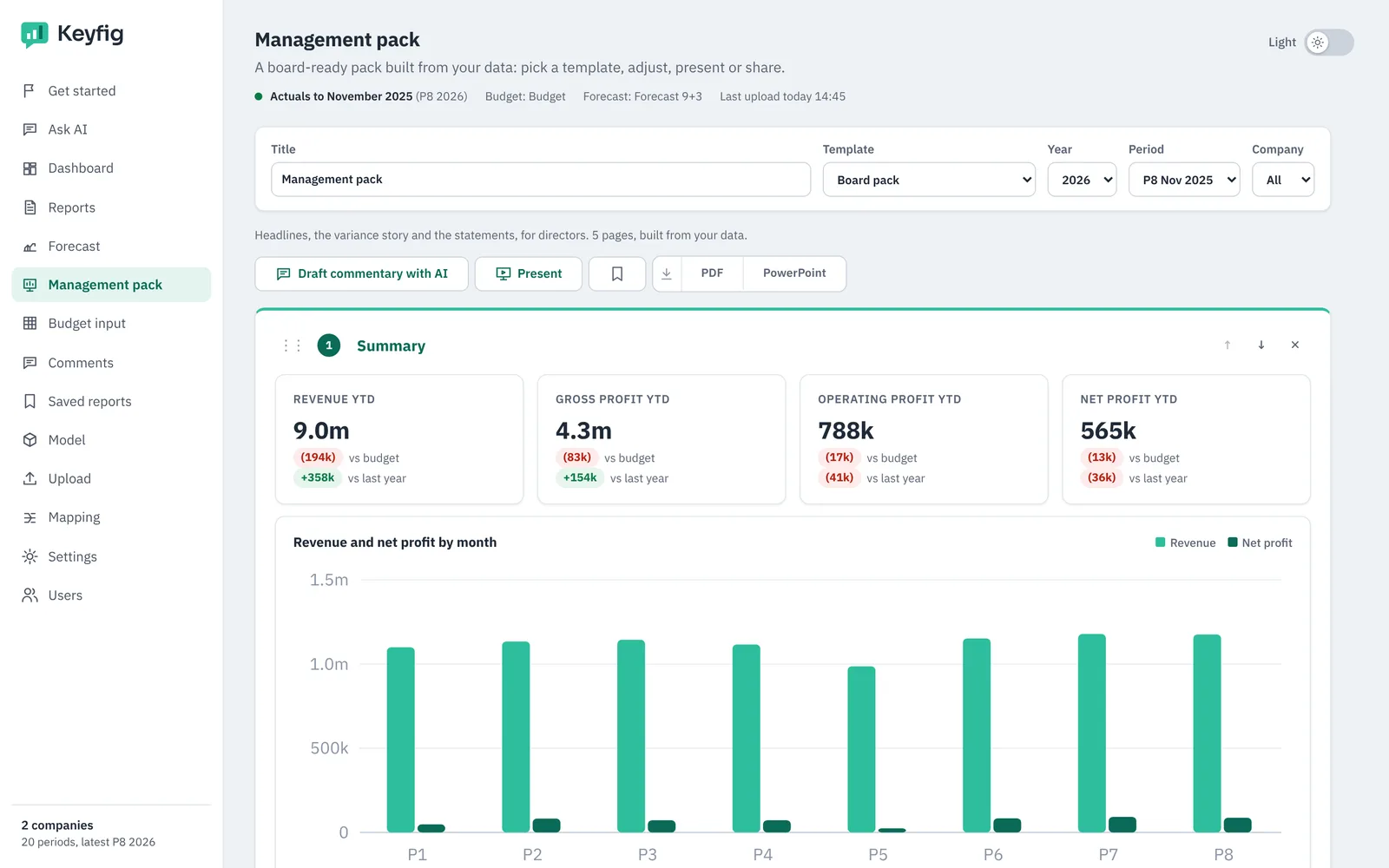
The right figures for each person
Invite colleagues as Pro or Viewer users and decide which companies, cost centres or projects each one sees. Questions about a figure stay with the figure.
Read more →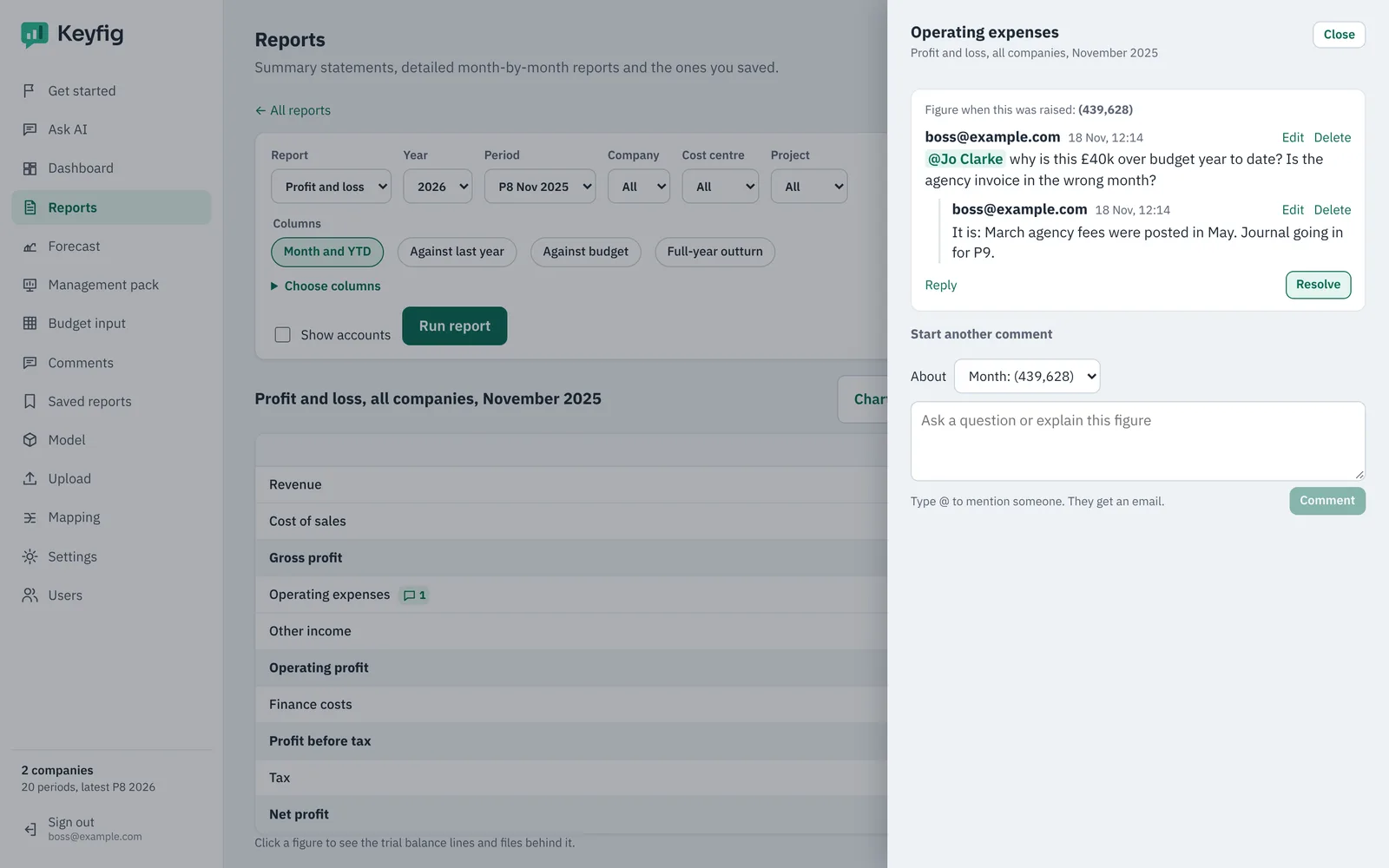
For finance teams who report every month
Finance directors and controllers
Multi-company groups and growing businesses that have outgrown spreadsheet packs.
FP&A teams
Budgets, forecasts and variance analysis without a heavy planning project.
Finance consultants
Stand up proper reporting for each client in an afternoon, from their own exports.
Boards and budget holders
Clear packs and dashboards, limited to the areas each person looks after.
The structure of EPM, the speed of a spreadsheet
| Spreadsheets | Traditional EPM | Keyfig | |
|---|---|---|---|
| Time to first report | Days each month | Months of model build | Minutes after upload |
| Consultant needed | No | Usually | No |
| Works with any ledger | With manual work | Through connectors and mapping projects | Yes, from your exports |
| Ask in plain English | No | Rarely | Yes |
| Drill to source lines | If the links held | Yes | Yes |
| Budgets, forecasts, packs | Separate files | Yes | Yes |
- Hosted in London, UK
- Nightly backups
- Microsoft and Google sign-in
- Two-step sign-in
- Data access by user
Questions finance teams ask
Which ledgers does Keyfig work with?
Any ledger that can export a trial balance or a GL extract to CSV or Excel: Sage, Xero, QuickBooks, Dynamics, NetSuite and the reporting tools that sit on top of them. Keyfig reads the columns, so you don't have to reshape the file.
What files do I need to start?
One trial balance export is enough for a first report. For the full picture add a year of monthly trial balances, your budget, and if you have them, roll-up files for nominals, cost centres or projects.
Do I need a consultant to set it up?
No. Keyfig proposes your model from the file and you confirm it. Most finance teams have their first reports the same afternoon.
Where is my data kept?
In the UK, on servers in London, backed up nightly. Each customer's data is kept apart, and you decide which colleagues see which companies and cost centres.
How does Keyfig AI stay accurate?
Keyfig AI never makes up numbers. It works out which report you asked for; Keyfig's own engine then calculates every figure from your data. It tells you what it assumed, and every number clicks through to the trial balance lines behind it.
Can I still use Excel?
Yes. Every report and grid exports to Excel, and budget holders can download a budget template, fill it in Excel and upload it again.
Does Keyfig post anything back to my ledger?
No. Keyfig reads your exports and never writes to your accounting system.
See your own numbers in Keyfig
Bring a trial balance export from your ledger. In a 30-minute call we load it, build your reports and answer your questions live.